
Troubleshooting
Message Failures
When a message fails to send, the platform logs the reason to help you fix the issue quickly.
Where to Find Failed Messages
In the conversations view, failed messages appear with an ❌ mark.
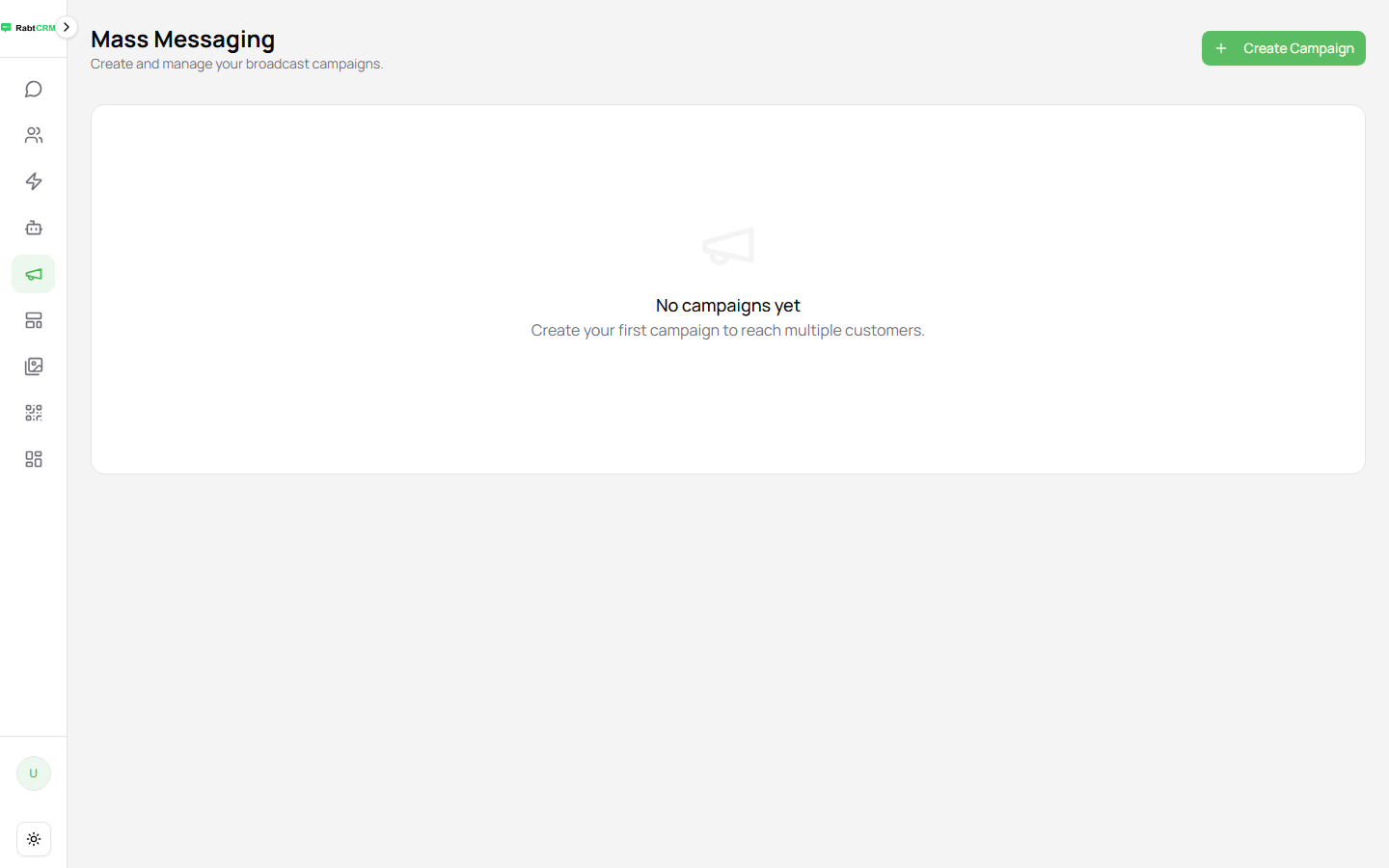
For campaigns, you can see delivery statistics from the Broadcast page.
Common Failure Causes
1. Number Not Registered on WhatsApp
Error: Phone number not registered on WhatsApp
Cause: The number entered doesn't use WhatsApp.
Fix:
- Verify the number is correct
- Ask the customer: do they use WhatsApp on this number?
- Add a tag like
no-whatsappto the contact to avoid retrying
2. Invalid Phone Number Format
Error: Invalid phone number format
Cause: The number doesn't follow international format.
Correct format: international number without + or 00
| Wrong | Correct |
|---|---|
01012345678 | 201012345678 |
+201012345678 | 201012345678 |
00201012345678 | 201012345678 |
0512345678 | 966512345678 |
3. Instance Disconnected
Error: Instance not connected or Session disconnected
Fix:
- Go to Instances and reconnect
- See Connection Issues
4. Rate Limit Exceeded
Error: Rate limit exceeded or Too many messages
Cause: WhatsApp limits how many messages can be sent in a short period.
Fix:
- Don't send thousands of messages in minutes — spread sends over hours
- Use the Broadcast scheduling feature to distribute sends
5. Media File Too Large
Error: Media file too large
Size limits:
- Images: 5 MB
- Video: 16 MB
- Documents: 100 MB
Fix: Compress the file before sending.
6. User Blocked You
Error: User blocked or Message not delivered
Cause: The customer added you to their block list or reported you as spam.
Fix:
- You cannot send messages to someone who blocked you
- Tag the contact as
blockedand remove them from future campaigns
7. Automation Flow Didn't Trigger
Cause: Flow settings are incorrect or the keyword doesn't match.
Check:
- Open the automation and confirm its status is Active (not disabled)
- Verify the keyword matches exactly (case-sensitive)
- Send a test message to yourself to verify the flow
Retrying Failed Messages
In some cases you can retry:
- Open the conversation with the failed message
- Click the failed message (❌ icon)
- Click Retry
For campaigns, from the campaign stats page you can Retry Failed to resend only to recipients that failed.