
Troubleshooting
Connection Issues
This guide helps you resolve the most common WhatsApp connection issues on RabtCRM.
Problem 1 — Instance Shows "Disconnected" 🔴
Likely causes:
- Your phone was turned off or lost internet
- Your WhatsApp session expired
- You logged out of WhatsApp on your phone
Solution:
- Go to Instances in the left sidebar
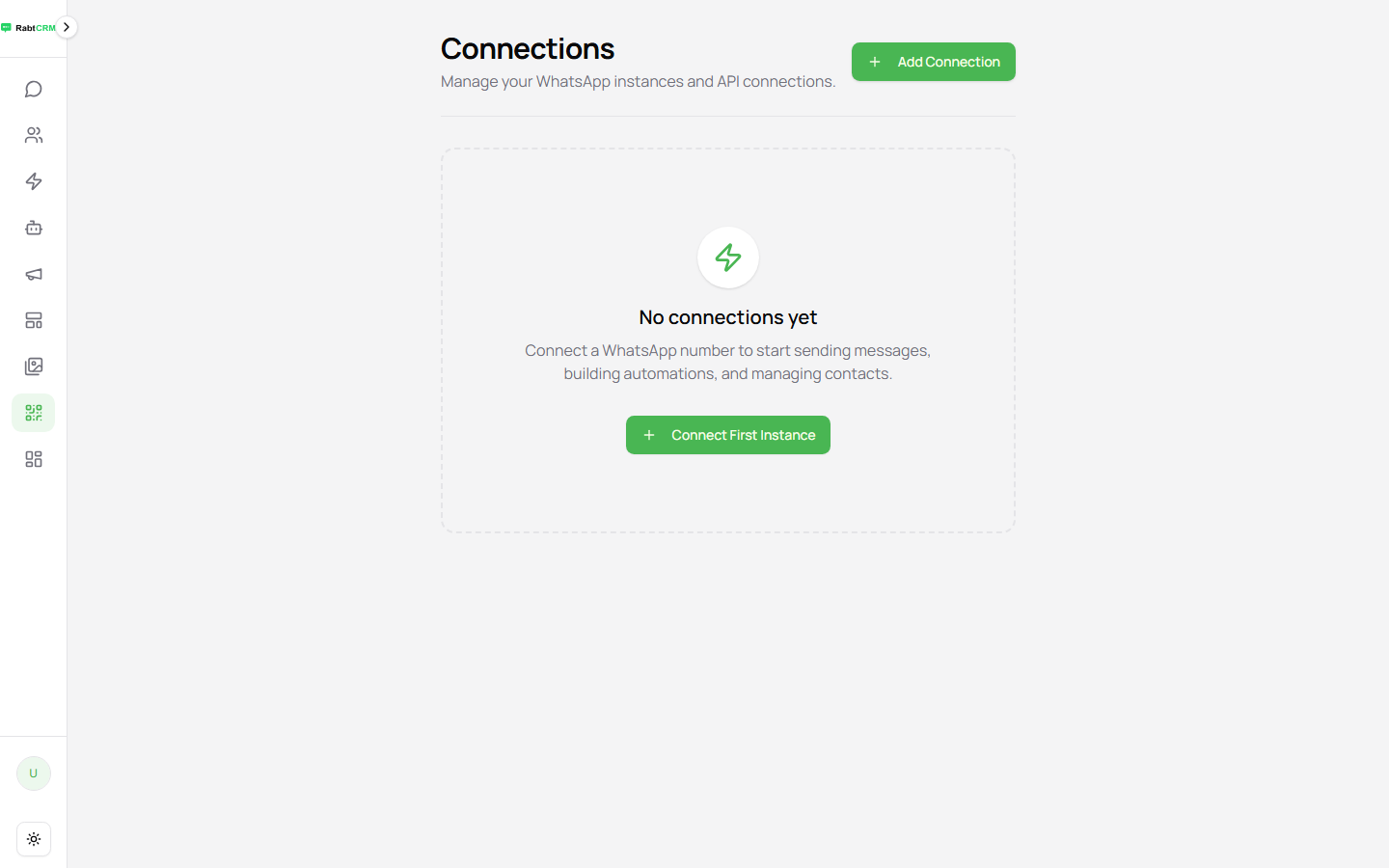
- Click the disconnected instance
- Click Reconnect or Re-scan QR Code
- On your phone: WhatsApp → Linked Devices → Link a Device → scan the code
Problem 2 — QR Code Not Working
Causes:
- The QR code expired (refreshes every 30 seconds)
- Phone is too far from the screen
Solution:
- Click the Refresh button under the QR code to get a new one
- Scan immediately after it appears before it expires
Problem 3 — Customer Messages Not Appearing
Messages from customers aren't showing in conversations?
Check the following:
| Step | What to Verify |
|---|---|
| 1 | Is the instance status 🟢 Connected? |
| 2 | Does your phone have internet? |
| 3 | Is WhatsApp open on more than one device? |
| 4 | Is there a pending WhatsApp update on the phone? |
Problem 4 — Connection Keeps Dropping
Common causes:
- Phone enters battery saver mode and cuts WhatsApp's internet access
- Unstable mobile internet connection
Solutions:
- Disable battery optimisation for WhatsApp in your phone's settings
- Consider a WhatsApp Business API plan for a more stable connection — contact our support team
Problem 5 — "Session not found" Error
Appears when trying to send from a deleted instance.
Solution:
- Create a new instance and re-link it
- Make sure the instance name used in your API calls or flows is correct
Problem 6 — Can't Log In to the Platform
| Cause | Solution |
|---|---|
| Forgot password | Click "Forgot password" on the sign-in page |
| Wrong email | Contact your account manager |
| Account suspended | Contact the platform administrator |
When to Contact Support
Reach out if:
- The connection stays broken after multiple re-scan attempts
- You see a
500error or "Server Error" message - Messages are sent but customers aren't receiving them
Support channels:
- Email: [email protected]
- Live chat: click the support icon inside the platform